Quick start · Coach · Pro · 3 min
Upload game film
Phone, camera or screen recording — it lands in your Library.
- 1Where film lives
Team → Stats → Film → pick a game from your schedule → Add film. Pick one file or several: the parts play back as one timeline, so a camera that split the recording into clips is fine as it is, and you can trim or reorder them under the video afterwards.
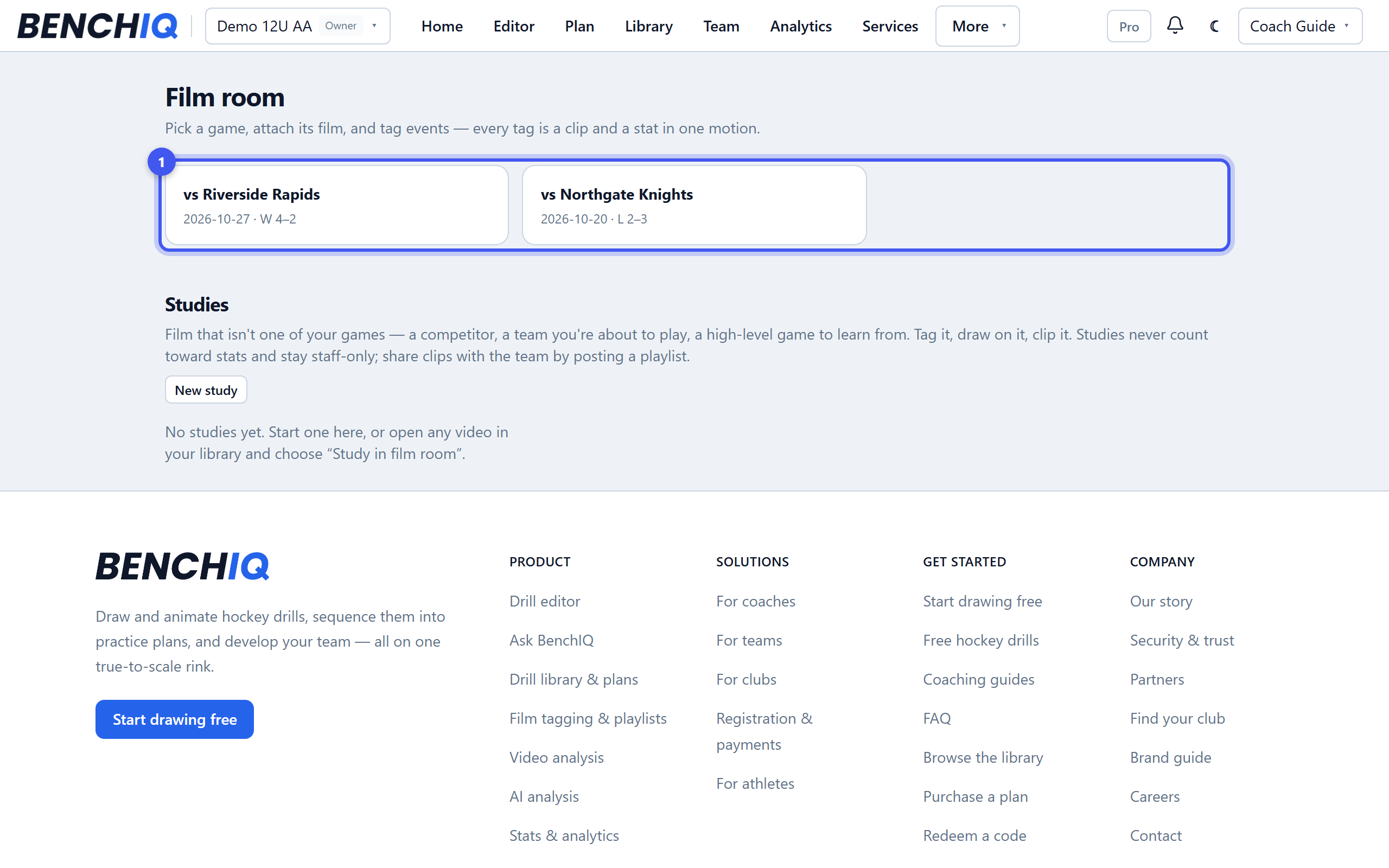
- 2Upload from anywhere
Phone, laptop or a camera export all work; big files upload in the background and you can leave the page. The uploads pill shows progress and lets you know when the game is ready to watch. Choose from library attaches videos that are already in your Library.
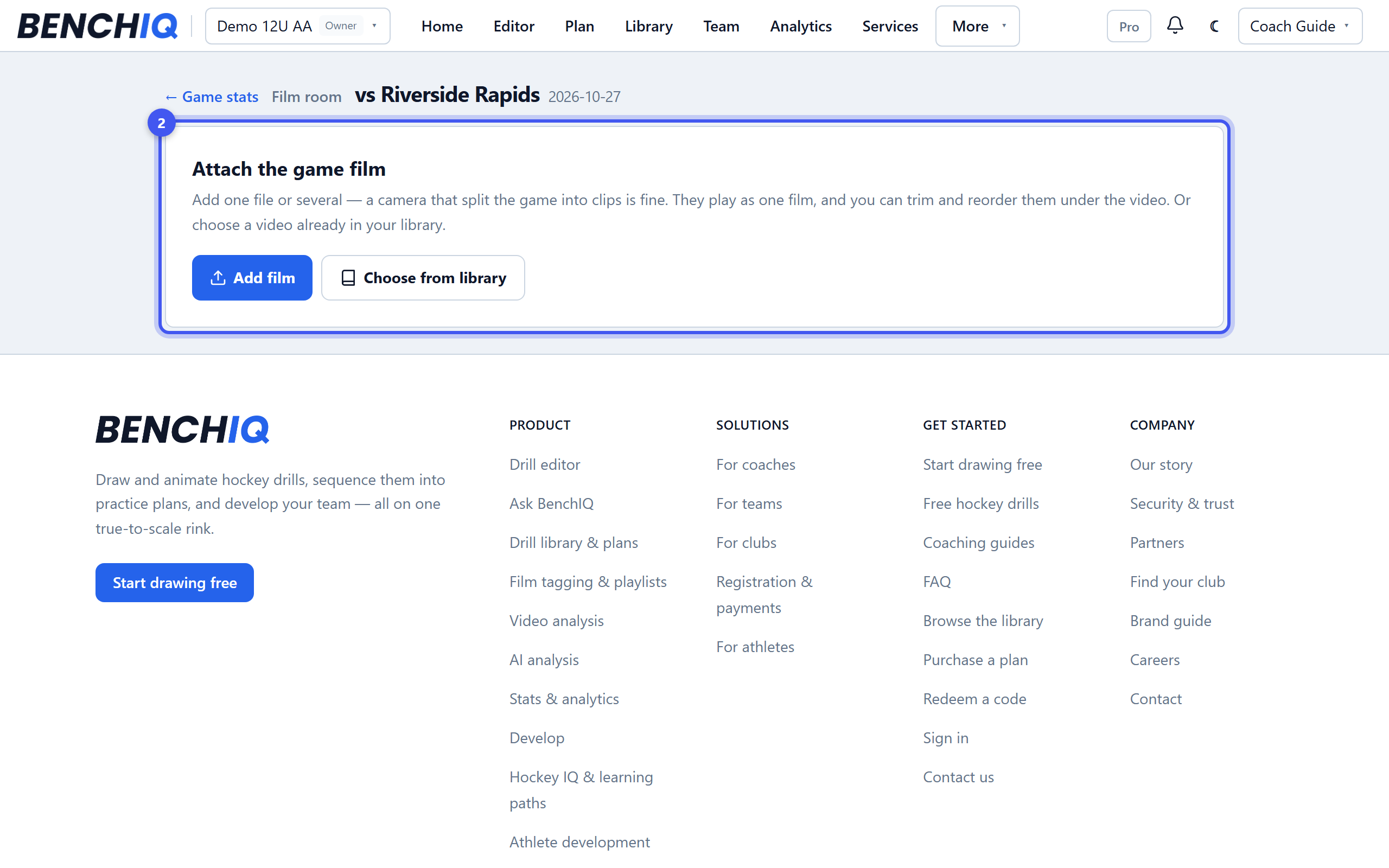
- 3What happens next
BenchIQ makes a smooth-scrubbing copy for tagging. A full game is ready in a few minutes; 4K exports take longer. A zipped camera export is unpacked for you.
- 4Keep originals light
Trim long dead time before uploading when you can, and use the Library's Film shelf to find any clip later by game, player or tag.

